 revidapi
Motion Control AI Guide — Copy TikTok Motion on RevidAPI
Motion Control transfers movement from a reference clip (TikTok dance, gestures, camera moves) onto your product or character image — ready-to-post MP4 for Reels and TikTok. Unlike image-to-video, it follows the reference motion instead of guessing from text alone.
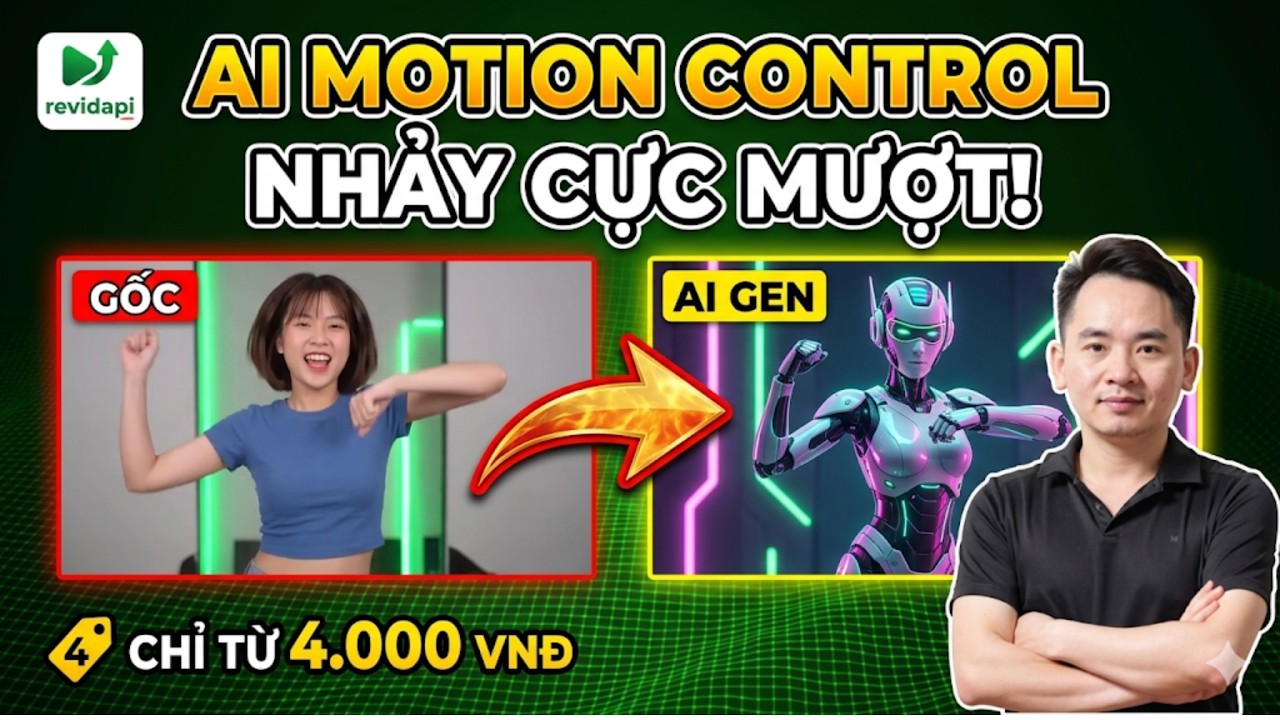
Table of contents
Video tutorial
How Motion Control works
Inputs: (1) reference image — character, mannequin, product; (2) motion video — 3–10 second clip. The model extracts pose/motion and renders on your image.
Output is typically 720p–1080p, 9:16 or 1:1. Render time 30–90 seconds.
Step-by-step on AI Studio
Step 1: Go to app.revidapi.com/motion-control.
Step 2: Upload image — full body, clean background, even lighting.
Step 3: Upload motion video — trimmed 5s TikTok trend, no watermark blocking body.
Step 4: Choose strength/quality — start medium.
Step 5: Generate → preview → download or send to Lipsync.
Motion Control vs Image to Video
| Criteria | Motion Control | Image to Video |
|---|---|---|
| Main input | Image + motion video | Image + text prompt |
| Trend accuracy | High — follows reference | Medium — AI inferred |
| Use case | Dance, gesture copy | Living product shots |
| RevidAPI path | /motion-control | /video |
Real use cases
Fashion shops: new outfit photo + hot trend video — no reshoot.
Affiliates: brand face in reference image — follow platform AI disclosure rules.
Combine with our Kling 2.5 fashion guide for cinematic polish.
Quality tips and troubleshooting
Motion video: stable FPS, avoid heavy blur. Image: body proportion similar to reference.
Jitter: lower strength or trim motion clip. Face warp: use frontal photos.
API: POST /v1/motion-control — see docs.
Conclusion
Motion Control is the fastest path to trend video for Vietnam's TikTok-driven commerce — integrated in RevidAPI AI Studio with Kling, Workflow, and API.
Updated June 2026 · RevidAPI team
Frequently asked questions
Copyright on motion video?
You are responsible for uploads — use self-shot or licensed clips.
Max motion duration?
Typically 3–10s for stable results.
Batch API?
Yes — loop API or Workflow Motion Control node.
vs older Motion Control article?
This follows the latest video tutorial; see also detailed Motion Control guide.
Need enterprise AI setup? Contact Mido AI for custom RevidAPI workflow implementation.